Your whole production line, from accepted manuscript to published issue

pubReady turns accepted manuscripts into HTML, JATS XML, PDF, and EPUB in one pass — no vendor queue, no rekeying, no format drift. Cut the cost and turnaround of every article you publish, on infrastructure you already run: OJS, OMP, and OPS.

One source file. Every format you publish.

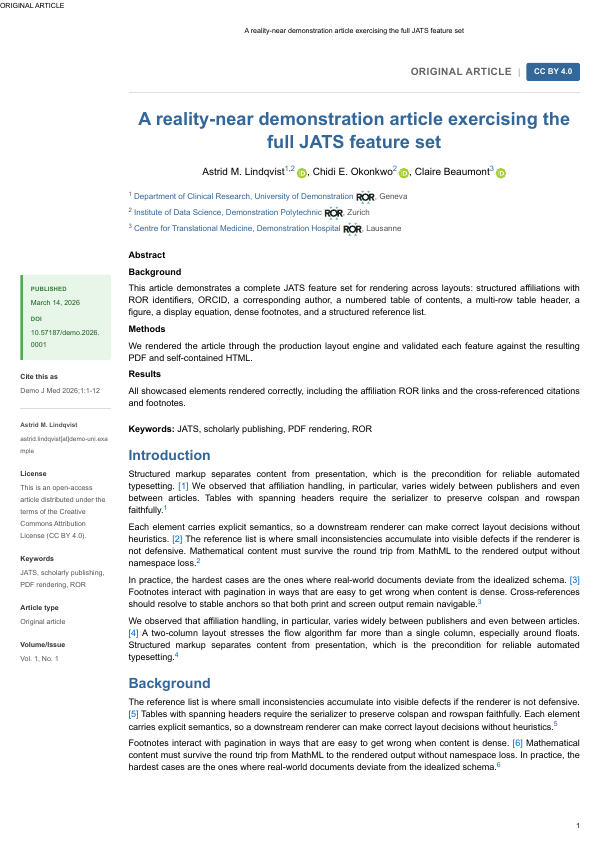
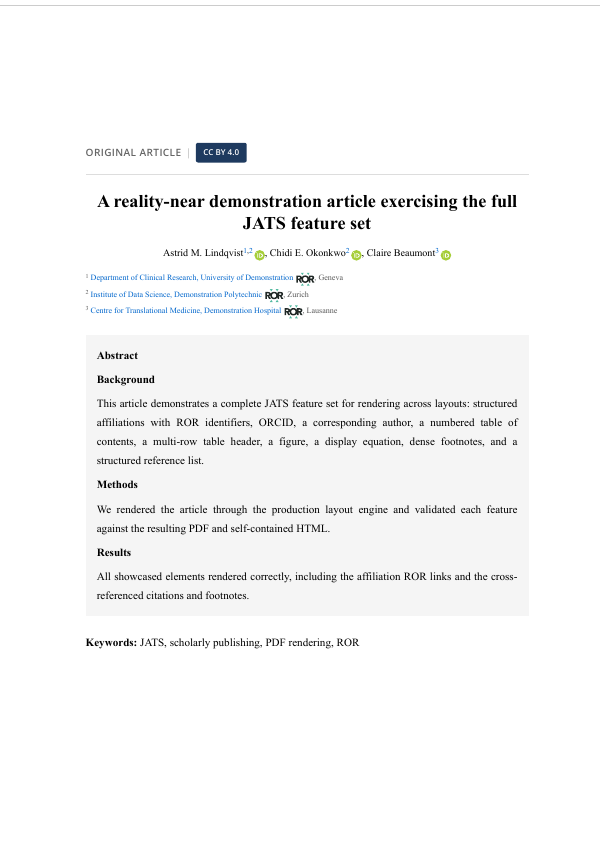
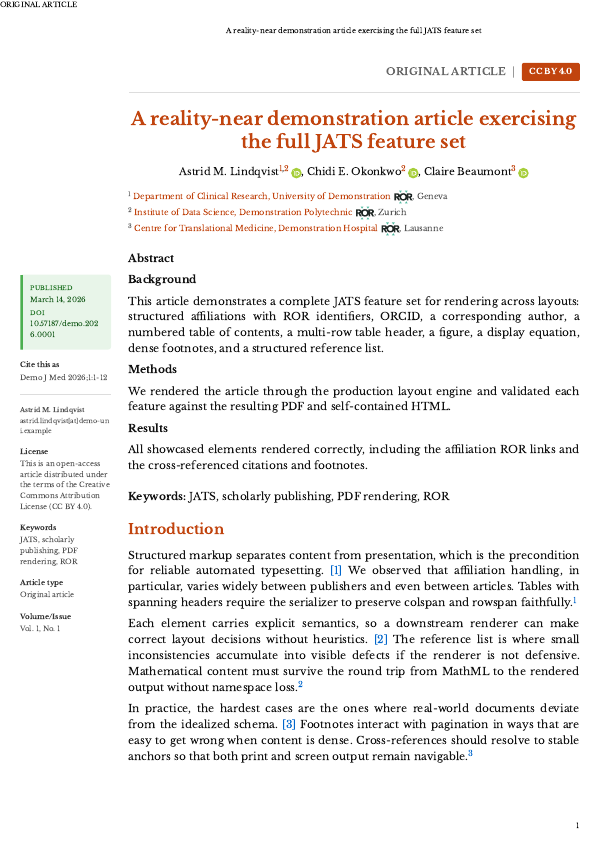
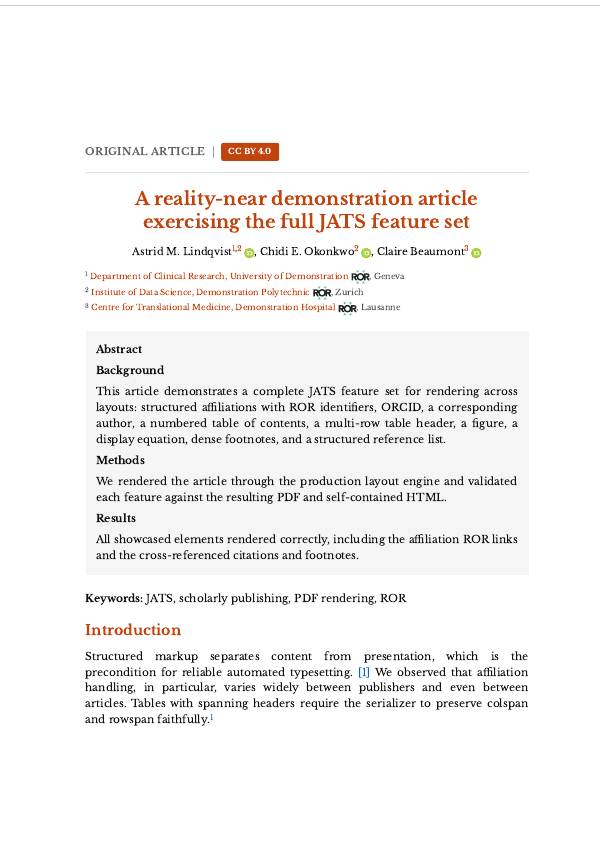
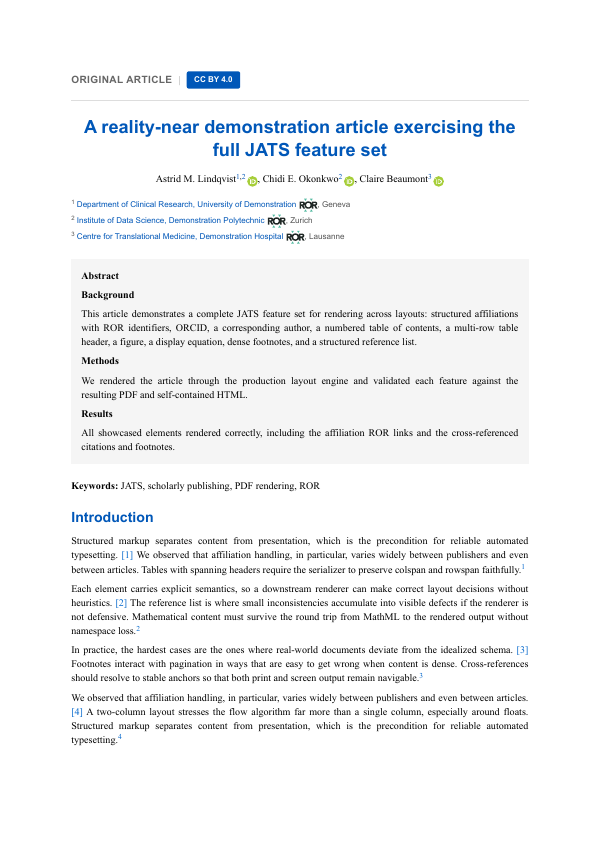
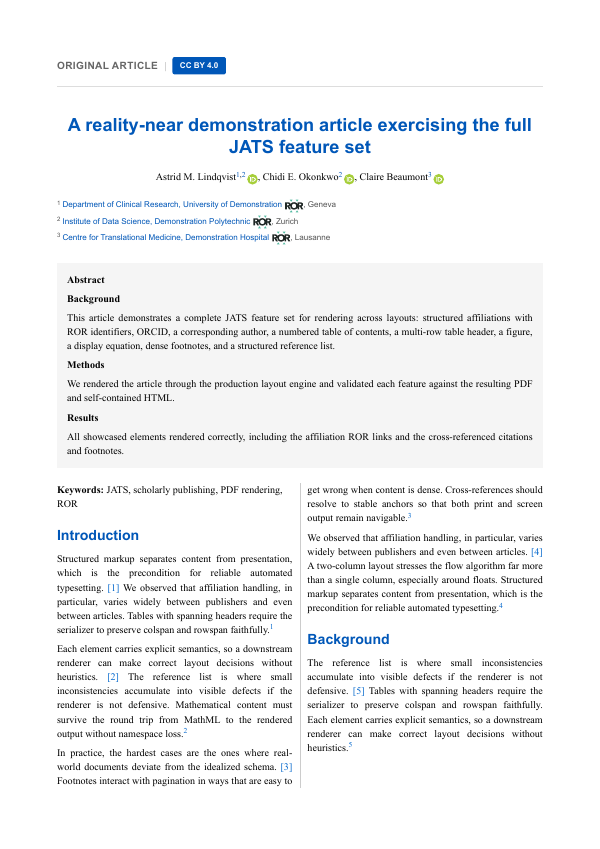
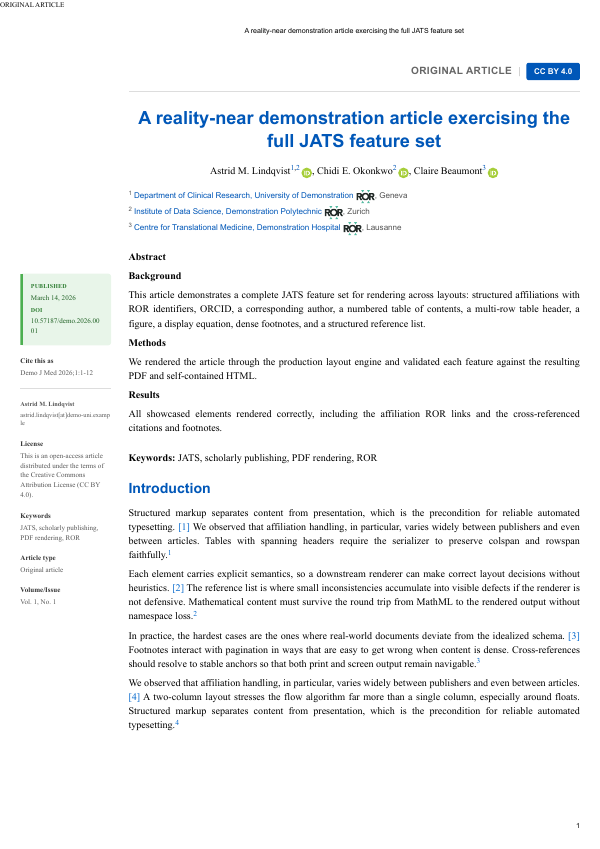
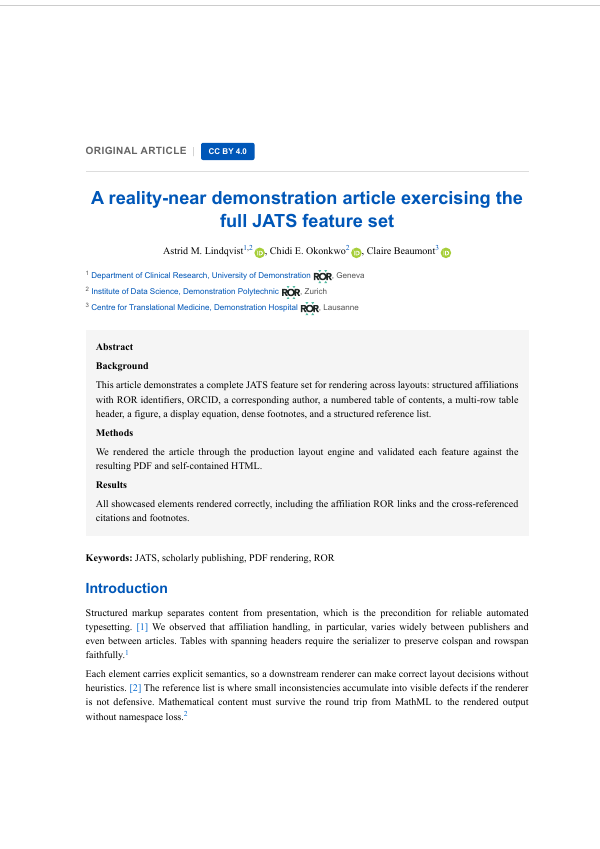
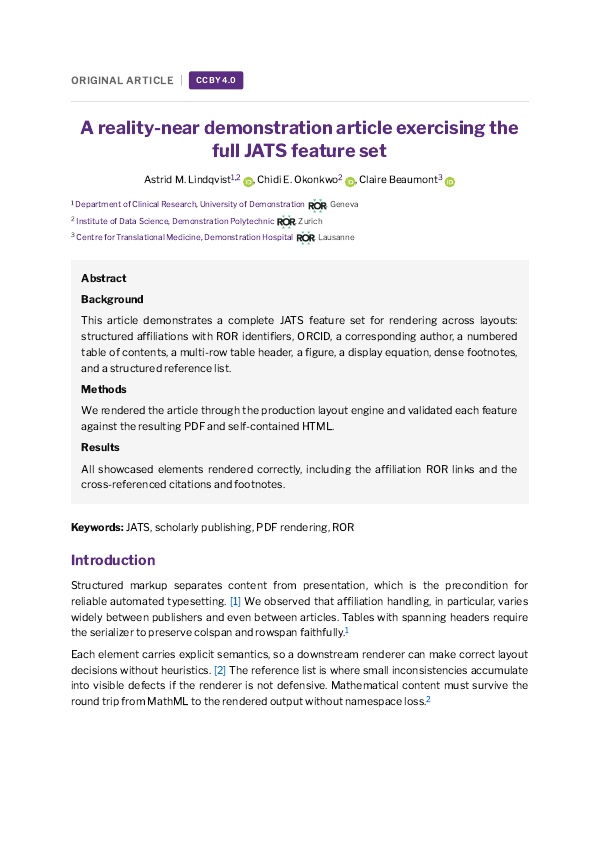
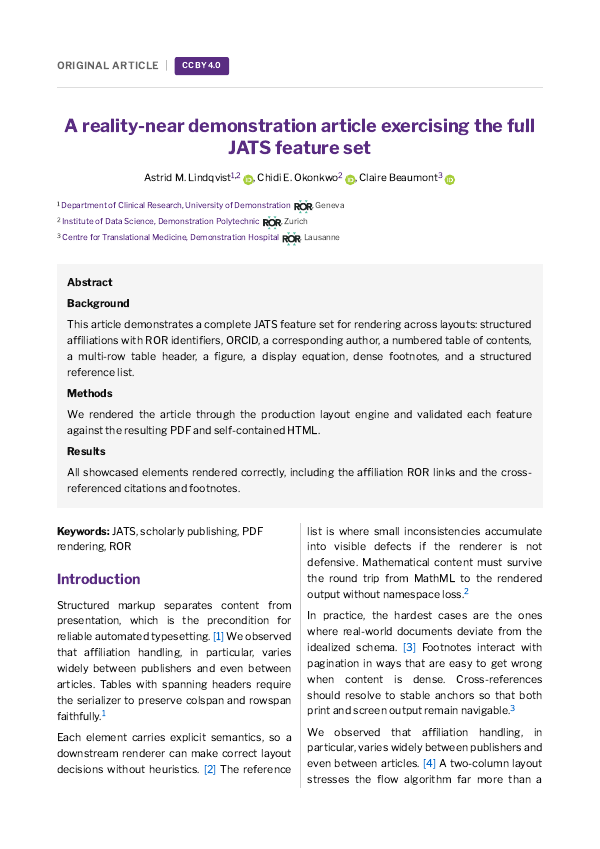
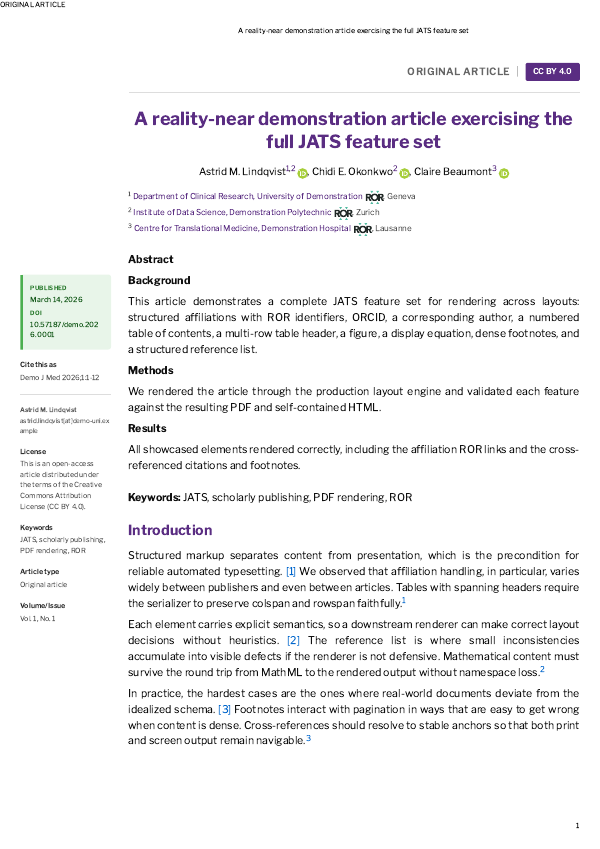
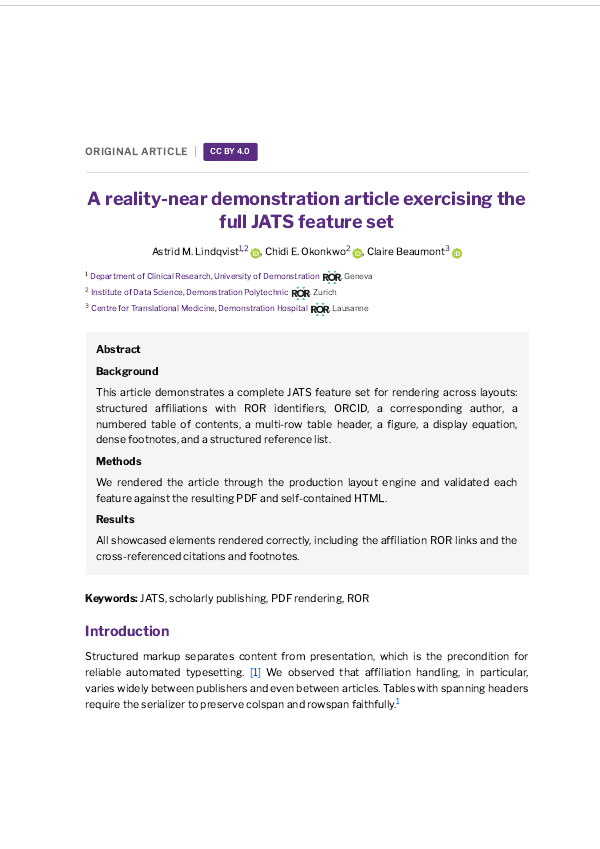
Each sample below is the same article, produced by pubReady in a different layout — journal, print, and book — as responsive HTML, print-ready PDF, and archival JATS XML. Typeset once; re-typesetting for another format costs you nothing.
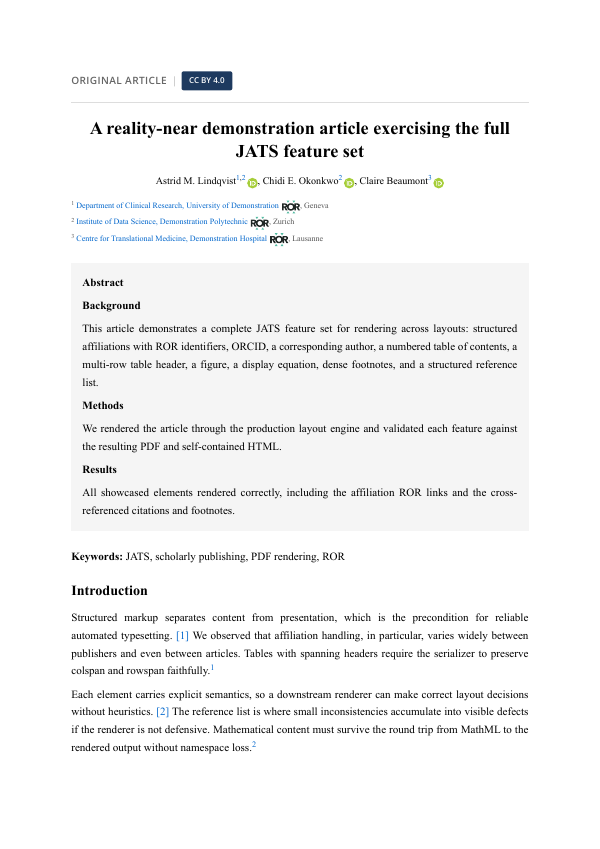
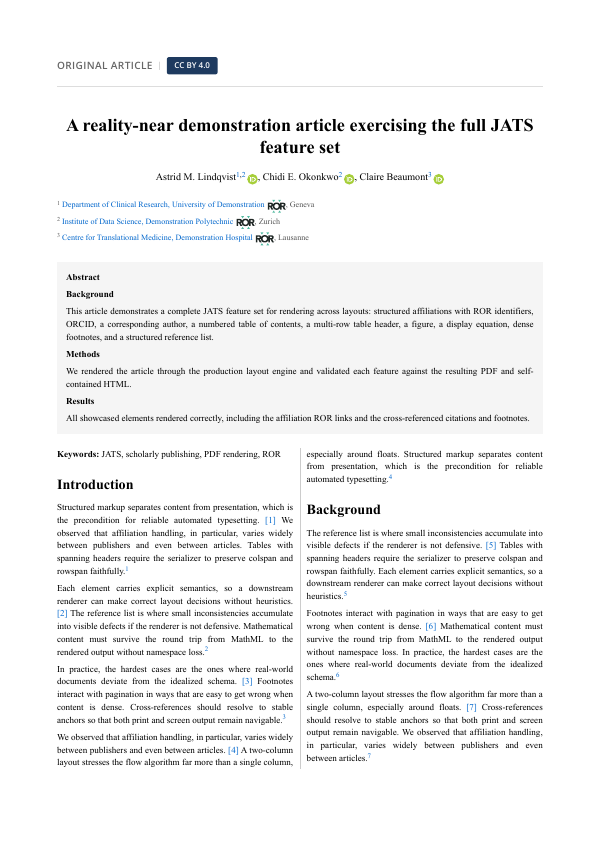
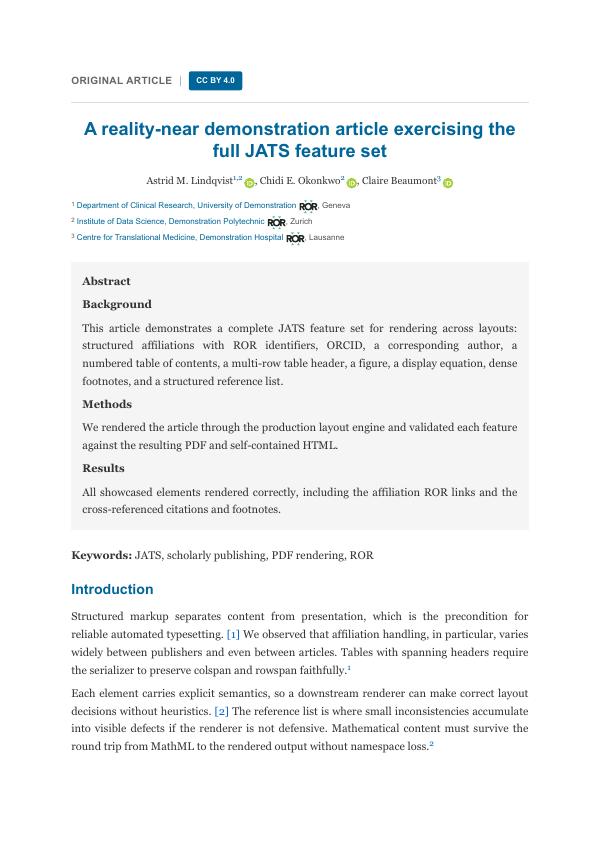
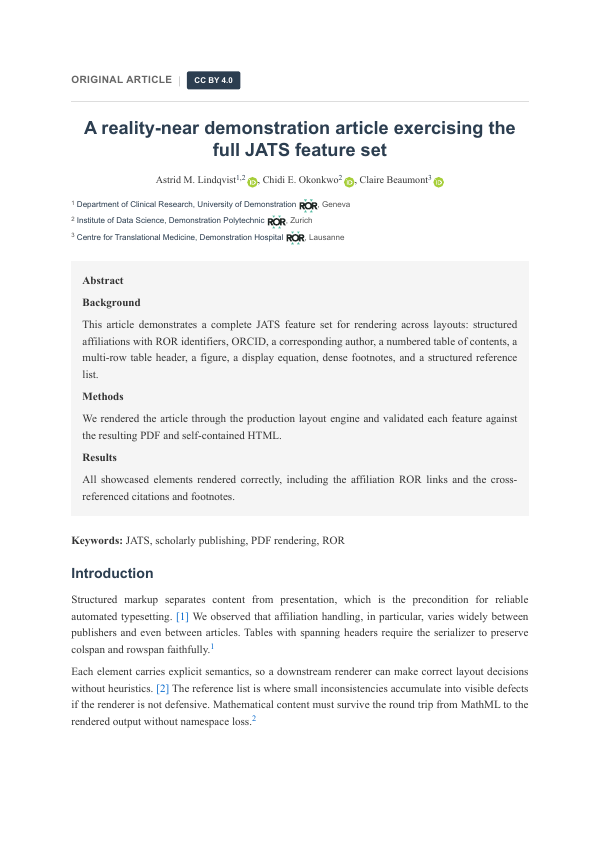
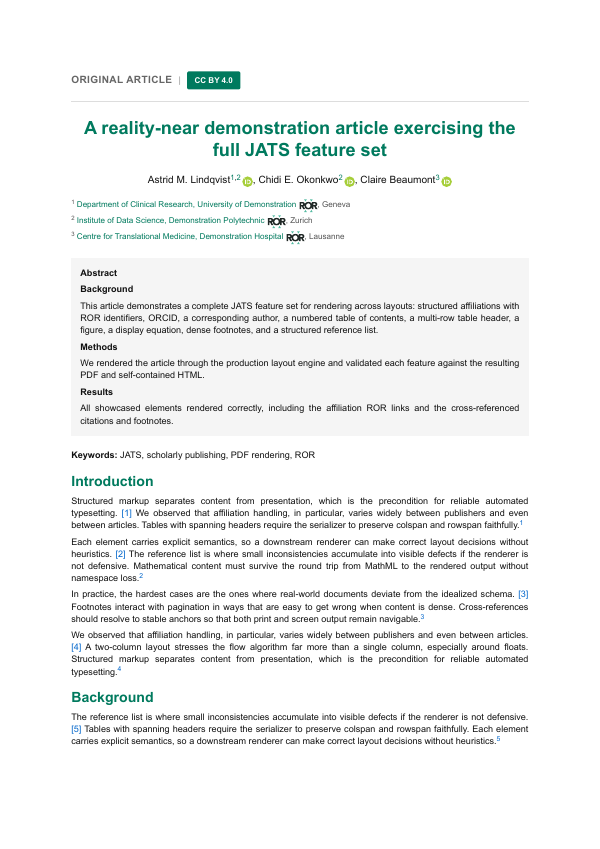
Single column

Single column

Classic journal article layout

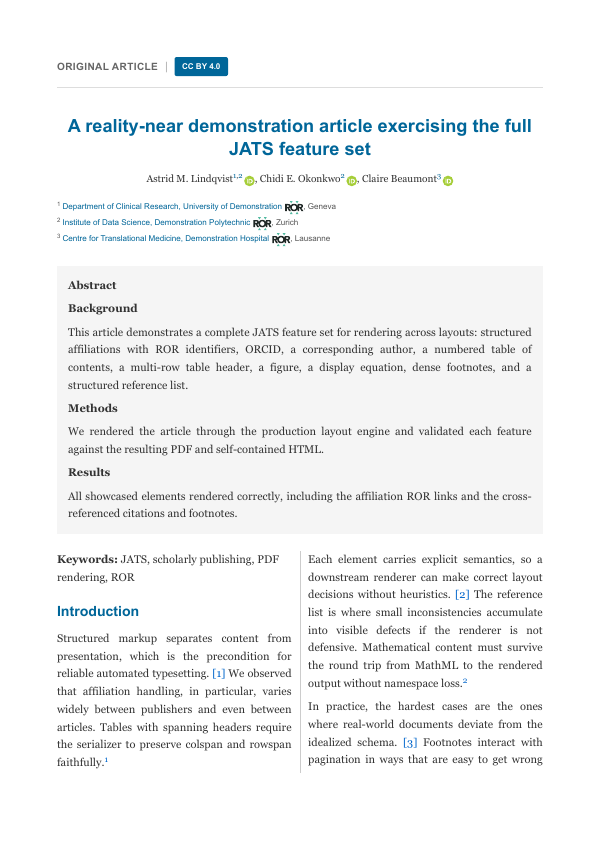
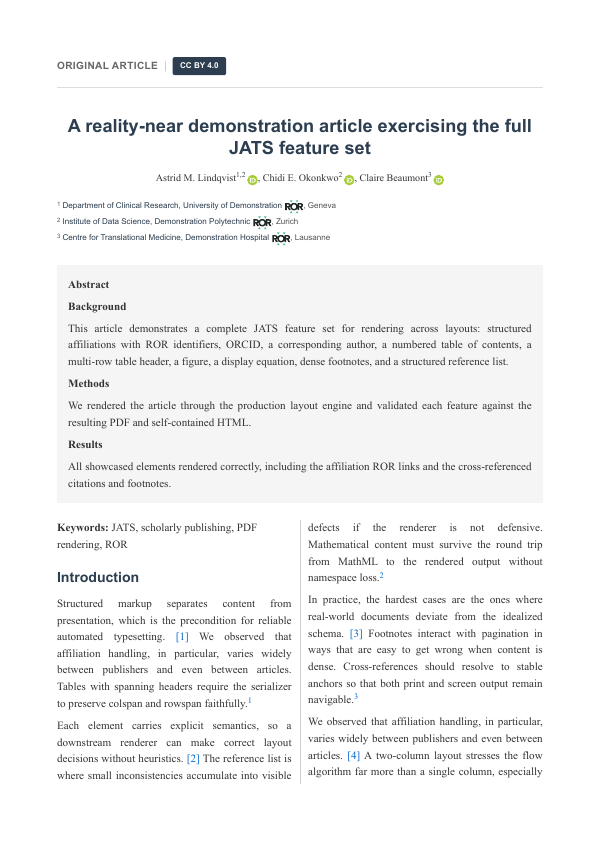
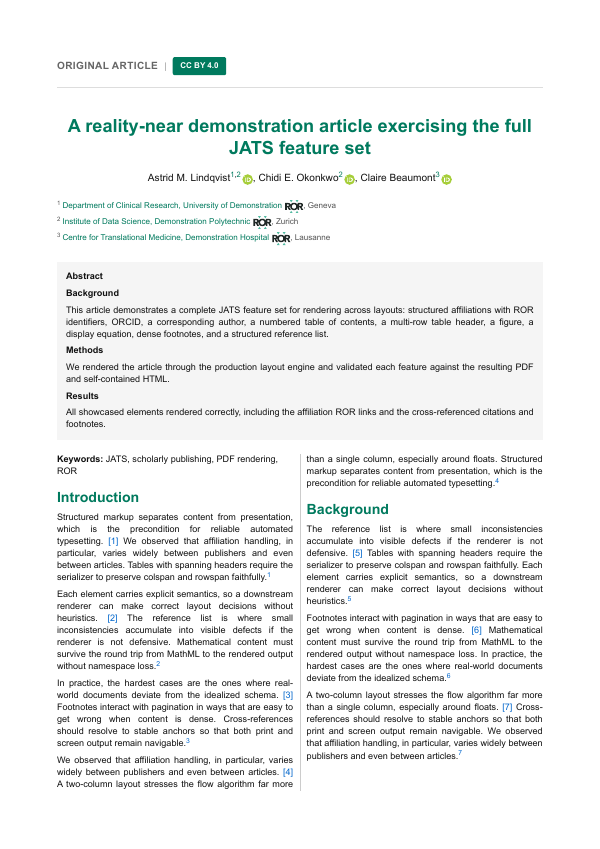
Two column

Two column

Dense, print-style academic layout

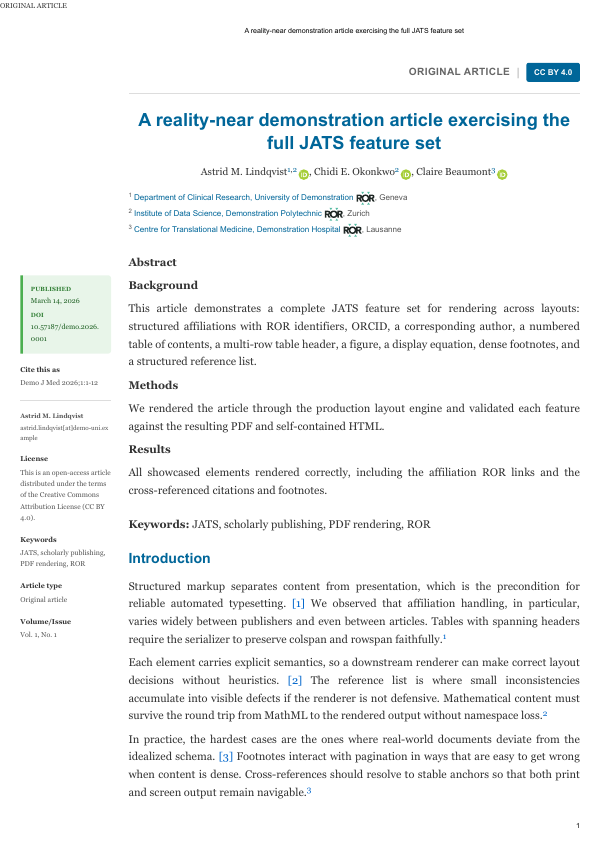
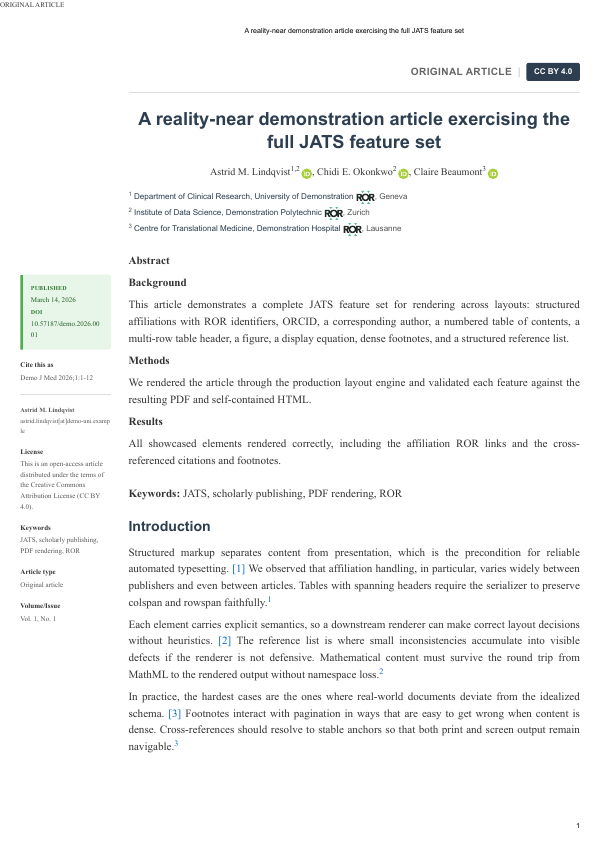
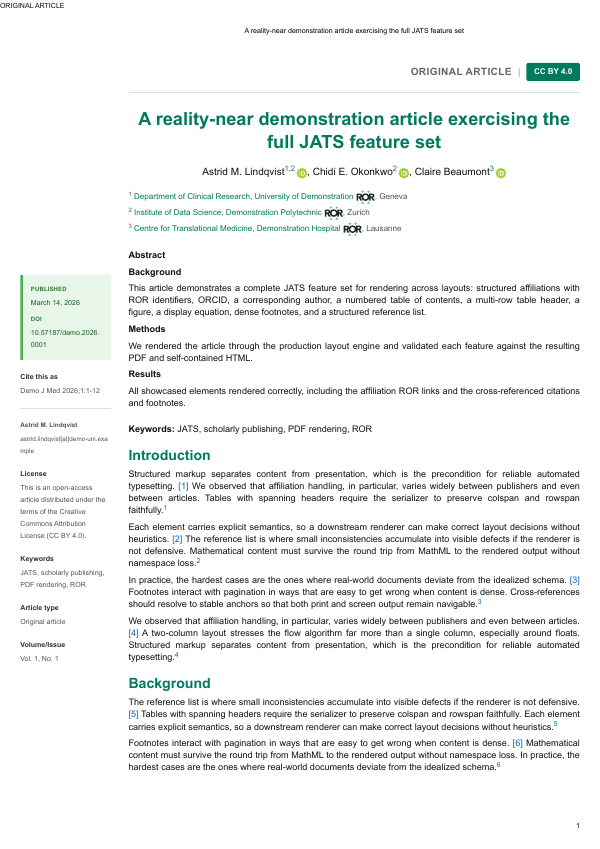
Margin notes

Margin notes

Side panel for notes, figures & metadata

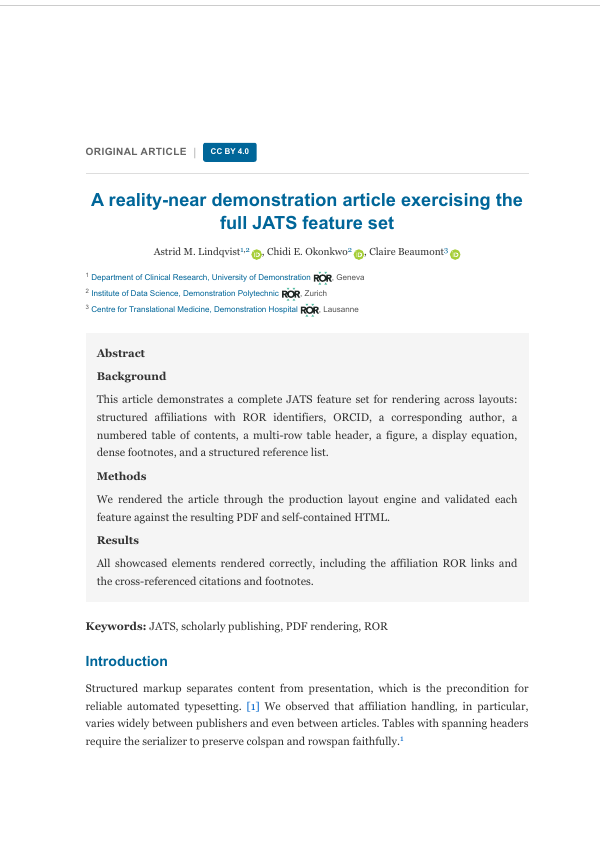
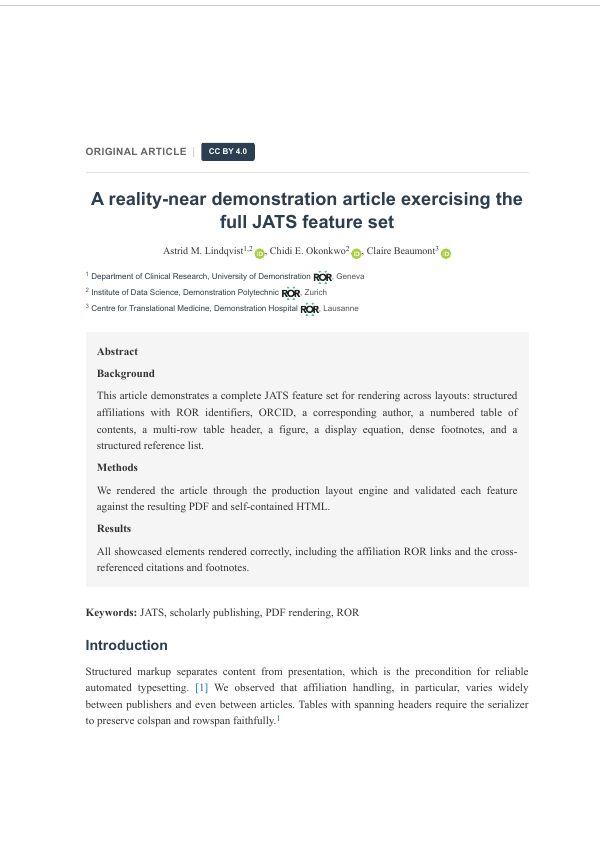
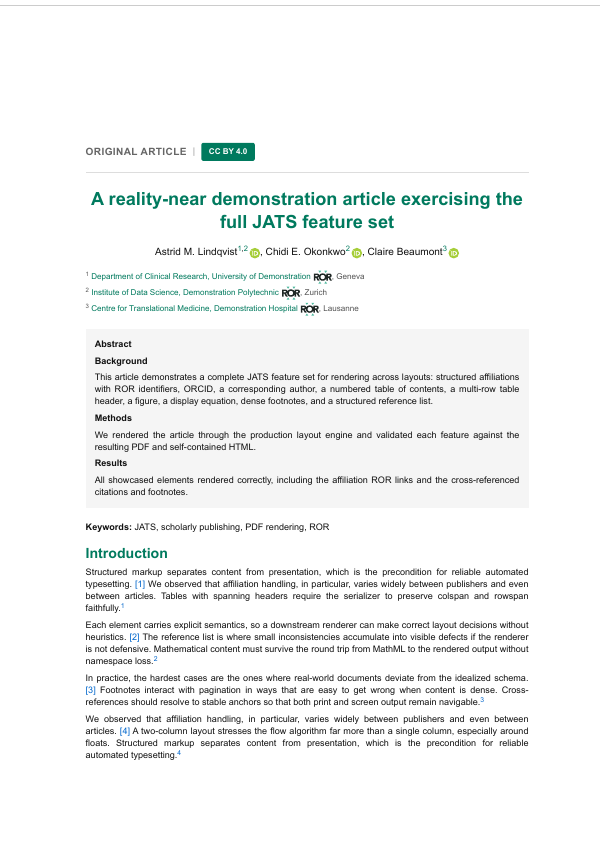
Book chapter

Book chapter

Monograph / OMP chapter styling

Free Template Library

Every style below is a real pubReady export, free to use — pick a layout, drop in your own manuscript, and export to HTML, print-ready PDF, and JATS XML.
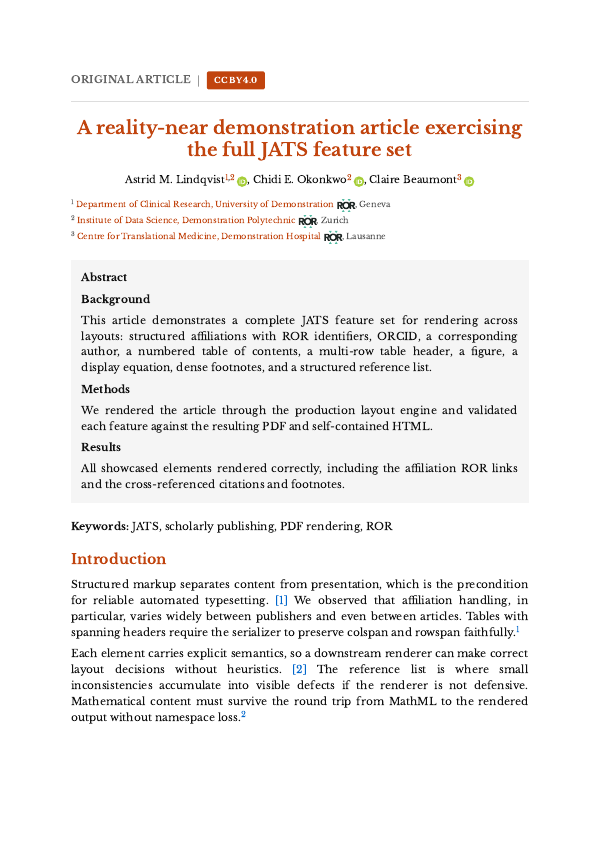
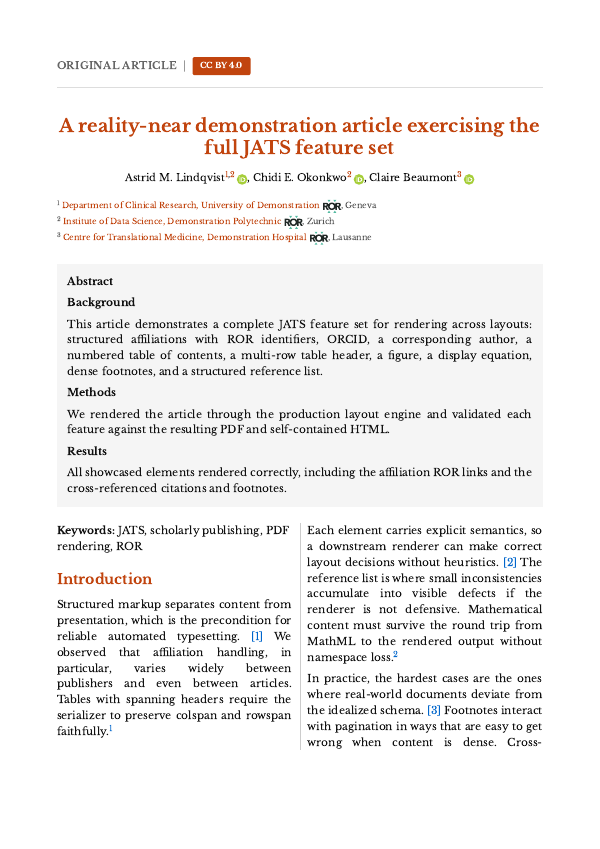
  • Amsterdam — single column

    Amsterdam — single column

    Libre Baskerville with warm burnt orange.

  • Amsterdam — two column

    Amsterdam — two column

    Libre Baskerville with warm burnt orange.

  • Amsterdam — margin notes

    Amsterdam — margin notes

    Libre Baskerville with warm burnt orange.

  • Amsterdam — book chapter

    Amsterdam — book chapter

    Libre Baskerville with warm burnt orange.

  • Life Sciences — single column

    Life Sciences — single column

    Merriweather serif with Nature-style blue accents.

  • Life Sciences — two column

    Life Sciences — two column

    Merriweather serif with Nature-style blue accents.

  • Life Sciences — margin notes

    Life Sciences — margin notes

    Merriweather serif with Nature-style blue accents.

  • Life Sciences — book chapter

    Life Sciences — book chapter

    Merriweather serif with Nature-style blue accents.

  • Multidisciplinary — single column

    Multidisciplinary — single column

    Classic Times New Roman with dark-blue headings.

  • Multidisciplinary — two column

    Multidisciplinary — two column

    Classic Times New Roman with dark-blue headings.

  • Multidisciplinary — margin notes

    Multidisciplinary — margin notes

    Classic Times New Roman with dark-blue headings.

  • Multidisciplinary — book chapter

    Multidisciplinary — book chapter

    Classic Times New Roman with dark-blue headings.

  • Medical — single column

    Medical — single column

    Source Sans with clinical blue accents.

  • Medical — two column

    Medical — two column

    Source Sans with clinical blue accents.

  • Medical — margin notes

    Medical — margin notes

    Source Sans with clinical blue accents.

  • Medical — book chapter

    Medical — book chapter

    Source Sans with clinical blue accents.

  • IEEE — single column

    IEEE — single column

    The classic Times engineering look with IEEE blue.

  • IEEE — two column

    IEEE — two column

    The classic Times engineering look with IEEE blue.

  • IEEE — margin notes

    IEEE — margin notes

    The classic Times engineering look with IEEE blue.

  • IEEE — book chapter

    IEEE — book chapter

    The classic Times engineering look with IEEE blue.

  • Berlin — single column

    Berlin — single column

    Libre Franklin with deep Berlin blue.

  • Berlin — two column

    Berlin — two column

    Libre Franklin with deep Berlin blue.

  • Berlin — margin notes

    Berlin — margin notes

    Libre Franklin with deep Berlin blue.

  • Berlin — book chapter

    Berlin — book chapter

    Libre Franklin with deep Berlin blue.

Templates are free to use for your own articles. The sample text shown is a demonstration document, not a real publication; replace it with your own content.

What production actually costs you

Most of a publishing budget disappears into work nobody set out to do. If you run a journal, a press, or a publishing service, this is probably where yours goes:

📄

You pay a typesetting vendor per article — and pay again for every correction round.

🧮

Accepted papers sit in a queue for weeks, so publication dates slip and authors chase your editors.

📚

Staff hours go into DOCX clean-up and re-keying reference lists instead of editorial work.

🔀

Formulas, tables, and figures break in conversion, and someone has to catch it by eye.

✉️

Metadata drifts apart across the PDF, the XML, and the journal record after copyediting.

📦

Compiling an issue means opening every galley by hand to check PDF, HTML, and XML.

None of it scales. Every additional article costs you the same again — and the bill arrives whether or not the issue ships on time.

Get started in minutes

Individual authors are typically up and running within 30 minutes; publishers within 24 hours.

1

Submit a request

Whether you are an individual author or a publisher, complete a short intake form describing your manuscript, workflow, and technical requirements.

2

Initial consultation

Our team reviews your needs and recommends an appropriate deployment approach.

3

Start working

Authors and editors can use pubReady immediately for submissions and production.

Run one issue through pubReady

Swiss Medical Weekly — indexed in PubMed/MEDLINE and Scopus, Diamond Open Access since 1871 — produces its articles with pubReady. Start with a single issue and keep your current workflow running alongside it.